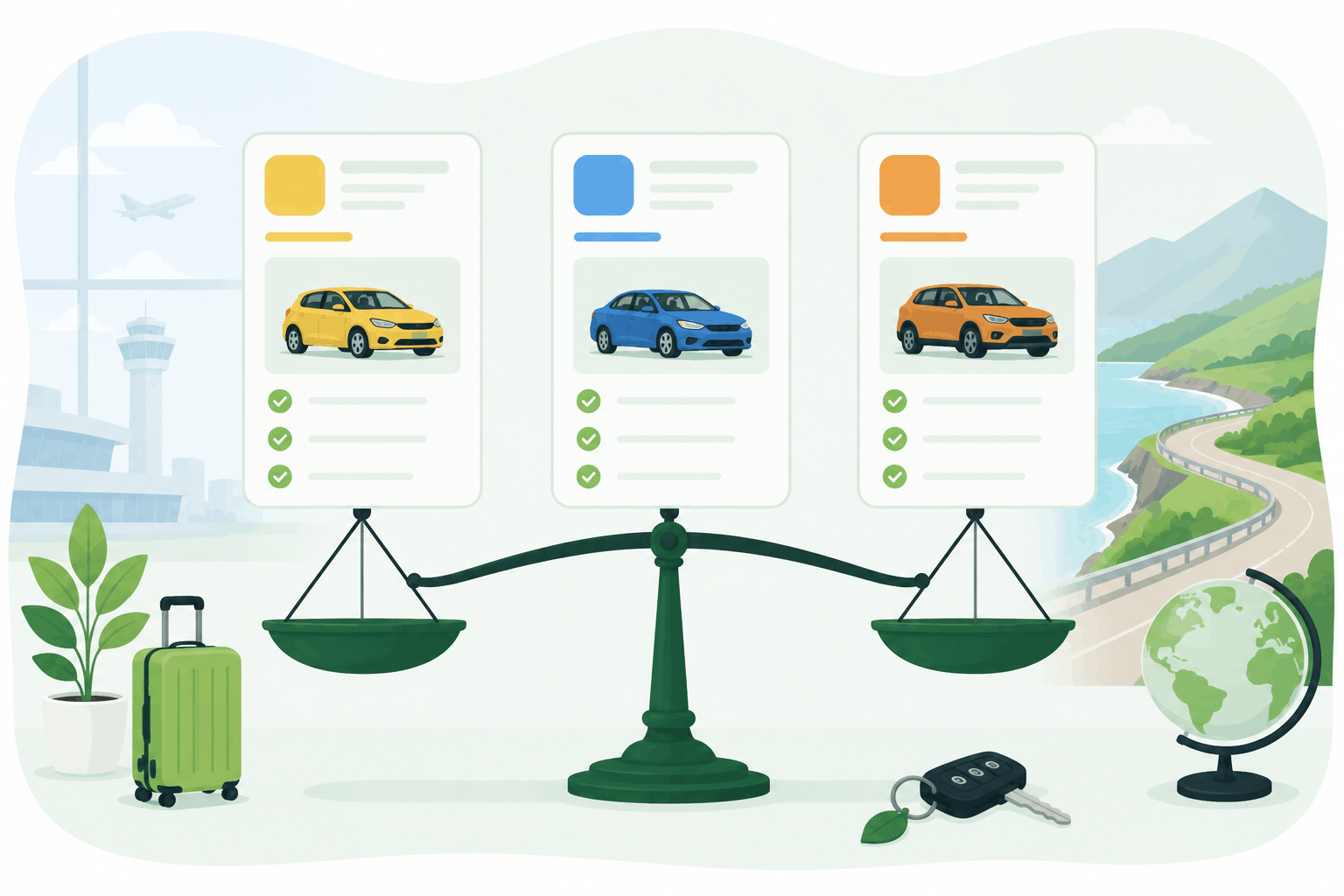
I’ve booked rentals on all three over the years, in different moods and different situations: last-minute city breaks, week-long road trips, winter mountain escapes, family travel, and those trips where you land late and just want to get to your hotel without negotiating a new life contract at the rental counter.
Here’s the truth: Expedia, Priceline, and KAYAK are not identical, even when they show the same car from the same rental company. The differences aren’t just cosmetic. They affect what you pay, how easy it is to cancel, how clearly you see the rules, and how likely you are to get hit by surprise costs at pickup.
This guide is written for humans—people who actually want to understand what to do. I’ll explain:
- what each platform really is (and how it makes money),
- why prices differ,
- where hidden costs usually come from,
- and the exact steps I follow so I don’t end up paying more at the desk.
By the end you should have a simple system: how to compare, how to pick, and what to check before you book.
The quick summary (so you know the roles)
Think of these three as tools in a travel kit:
- KAYAK is primarily a search engine / meta-search tool. It scans the market and helps you compare prices across many sources. It’s great for discovery.
- Expedia is an online travel agency (OTA). It’s built to help you book, often in a smooth “one-account-for-everything” flow (hotel + flight + car).
- Priceline is also an OTA, but with a more aggressive deal-hunting personality. It often pushes low-looking prices quickly, sometimes with more restrictions or less flexibility.
They overlap, yes. They can all show you rentals. But they guide you differently, and that matters because car rental bookings are famously sensitive to fine print.
Why the “same car” can look cheaper on one site than another
Before we compare platforms, it helps to understand the most common reason travelers get confused: you’re rarely looking at truly identical offers.
Here are the reasons prices change—even when the listing looks similar:
1) Different suppliers and partner channels
KAYAK might show you a price sourced from a different booking partner than Expedia does, even for the same rental company. Priceline might pull from its own contracted rates. Those behind-the-scenes channels can have slightly different pricing.
2) Different included items (especially insurance)
One offer might include basic coverage, another might not. One might show “CDW included,” but with a huge excess (deductible). Another might bundle something that reduces the excess. It’s not always obvious unless you open the “rental conditions” section and read it like you mean it.
3) Different cancellation and payment terms
Prepay deals are often cheaper. “Pay later” can cost a bit more but gives flexibility. Some platforms highlight one more than the other depending on your settings and region.
4) Currency conversion and taxes
Some sites show local currency, others show your home currency, and the conversion rate can add small differences. Taxes and fees can also be presented differently.
5) Deposit and card requirements (the silent deal-breaker)
This doesn’t always affect the price shown, but it affects whether you can actually pick up the car at that price. If you don’t match the card requirements (credit card vs debit, name on card, available credit), the “cheapest deal” can evaporate at the counter.
So when you compare platforms, you’re not just comparing price—you’re comparing the whole package. That’s why you’ll see me talk about terms like deposit, excess, and pickup rules as much as daily rate.
KAYAK: the best starting point when you want to understand the market
When I’m planning a trip and I don’t know what rental prices should look like in that destination, I start with KAYAK.
KAYAK is not primarily a “rental company.” It’s a comparison engine. It’s designed to show you what exists, quickly. It’s excellent for spotting patterns like:
- Are airport rentals cheaper than city-center rentals?
- Is manual much cheaper than automatic (often yes in Europe)?
- Are SUVs dramatically overpriced in this destination?
- Are prices spiking on weekends or during events?
What KAYAK does well
KAYAK’s strength is breadth. You can search an airport and see a wide range of results from multiple brands and sources. For a traveler, that’s valuable because it helps you avoid tunnel vision. You stop thinking “this one company is expensive” and start thinking “this destination is expensive this week.”
KAYAK is also good for experimenting. I’ll often change pickup times by a couple hours, or shift dates by one day, and watch the price swing. That’s one of the fastest ways to save money without sacrificing anything—especially in peak season.
The KAYAK trap (and it’s not KAYAK’s fault)
Because KAYAK is designed to help you find deals, it can tempt you into clicking the cheapest headline price and assuming you’re done. But KAYAK often sends you to a partner site to finalize, which is where terms matter.
Here’s what I do every time:
- I shortlist 3–5 options.
- I open the rental conditions for each.
- I compare deposit, excess, fuel policy, mileage, and pickup method.
If you do that, KAYAK becomes a powerful tool. If you don’t, it becomes a “why did this become more expensive at the counter?” story.
Best for
- First-pass comparison (especially new destinations)
- Finding the cheapest airport vs city pickup
- Spotting seasonal spikes
- Building a shortlist
Less ideal for
- Travelers who want one consistent booking flow and don’t want to open multiple tabs
- People who tend to book quickly without reading terms
Expedia: the best choice when you want a smooth, all-in-one travel flow
Expedia is the platform I use when I want my trip to feel organized in one place. It’s an OTA—meaning it’s designed to be the center of your travel planning: flights, hotels, cars, sometimes activities.
Why Expedia can be a comfort booking
Expedia often feels simpler. You’re not bounced around between partner sites as much. You can book a hotel and a car in the same ecosystem, and that reduces mental load. When you’re traveling during busy periods (like summer Europe or major events), the value of a smooth booking experience goes up.
Expedia also tends to present information in a way that many travelers find easier to digest. It’s not always perfect, but it often feels less like you’re decoding a spreadsheet.
Where Expedia shines in real life:
- When I’m booking for someone else (family members, less travel-savvy friends), Expedia is usually easier to explain.
- When I’m bundling a trip and want everything linked to one account.
- When I care about customer support and want one place to manage changes.
The Expedia reality check
Expedia is not immune to the rental industry’s favorite surprises: deposit holds, excess, and counter upsells. Those issues aren’t created by Expedia; they come from the rental company policies. Expedia can show you the deal, but the desk enforces the rules.
So with Expedia, my “must check” list stays the same:
- deposit amount,
- credit card requirements,
- excess/deductible,
- cancellation policy (prepay vs pay later),
- pickup type (on-airport vs shuttle),
- fuel policy.
Best for
- Travelers who value convenience and predictability
- People booking hotel + car together
- Family travel where simplicity matters
Less ideal for
- Hardcore deal hunters who want to scrape every possible discount
- People who want the absolute lowest daily rate regardless of restrictions
Priceline: the best option if you’re hunting deals (but you must stay disciplined)
Priceline has always had deal-hunter energy. It’s an OTA like Expedia, but it often leans harder into price-first presentation.
Sometimes Priceline genuinely shows a standout deal—especially in certain U.S. airport markets and popular tourism routes. If you’re flexible, it can pay off.
Why Priceline can be great
If you’re renting a basic car, you’re not picky about brand, and you just want the lowest workable price, Priceline can be a strong candidate. It’s also useful for comparing how low the market can go—almost like a “floor price” check.
The Priceline risk
When a site pushes deals hard, you need to be careful about what “cheap” means.
The common pitfalls I watch for on Priceline:
- stricter cancellation rules,
- prepaid deals that feel locked-in,
- pickup locations that are technically near the airport but require a shuttle or long walk,
- listings where insurance/excess details are less obvious until you click deeper,
- deals that look cheap until you add mandatory fees.
Priceline can absolutely be a win. But it rewards travelers who slow down for five minutes and read the details.
Best for
- Budget travelers who know how to read conditions
- Short rentals where you want a functional car, not a perfect experience
- Price-first searches
Less ideal for
- Travelers who hate uncertainty
- People arriving late at night (where off-airport logistics can be painful)
- Anyone who doesn’t want to double-check terms
The practical part: a traveler’s decision framework
Here’s the system I actually use. It’s simple enough to do on your phone, but strong enough to prevent most expensive surprises.
Step 1: Start wide, then narrow
I start with KAYAK to understand the range. Then I check Expedia and Priceline to see how they price the same route. I don’t pick the winner yet.
Step 2: Compare total reality, not daily price
The daily price is the bait. The total reality includes:
- deposit hold,
- excess/deductible,
- fuel policy,
- pickup method,
- cancellation rules,
- and what “insurance included” actually means.
Step 3: Decide what you care about most
This is where different travelers choose different winners.
If your priority is lowest price, Priceline might win—if terms are acceptable.
If your priority is smooth booking and managing your trip in one place, Expedia often wins.
If your priority is seeing everything available and spotting the best value, KAYAK is the best starting point.
Step 4: Add a comparison shortcut that saves time
When I want to compare quickly—especially for Europe, where terms matter a lot—I’ll also run one search on VerusCars. It’s useful as a sanity check and an easy “show me my options” moment:
👉 Compare prices here → veruscars.com This isn’t about replacing other platforms. It’s about speeding up the comparison step so you can focus on the terms that matter.
What to check before booking (this is the section that saves your wallet)
If you read one part of this article carefully, make it this one. These are the questions that prevent 90% of rental-day disasters.
1) How big is the deposit/security hold?
The deposit is not the same as the rental price. It’s the hold placed on your card as security. In Europe, it can be several hundred to a few thousand euros depending on vehicle class and coverage.
If your card limit is low, or if you’re traveling long-term, a big hold can be a real problem. It can also affect your ability to pay for hotels and emergencies.
What to do:
- Look for “deposit,” “security deposit,” or “authorization.”
- If you can’t find it easily, that’s a sign to dig deeper or choose another offer.
2) What is the excess (deductible) amount?
In Europe especially, you’ll often see “excess.” This is the amount you’re responsible for if there’s damage—even when CDW is included.
A rental can be cheap and still have a massive excess. That can make your trip stressful, especially if you’re driving in cities, parking in tight lots, or tackling mountain roads.
What to do:
- Check the excess number.
- Decide whether you’re comfortable with it.
- Compare offers that reduce excess if you want lower stress.
3) Credit card vs debit card requirements
Many rentals require a credit card in the main driver’s name. Some accept debit but with conditions: higher deposits, extra documentation, or limited car classes.
What to do:
- Confirm the accepted payment methods before booking.
- Make sure the driver name matches the card.
4) Fuel policy: full-to-full is your friend
Full-to-full is usually the simplest and fairest option. Anything else (like “full-to-empty” or prepay fuel) can be convenient sometimes, but it often becomes expensive if you don’t use the tank exactly as planned.
What to do:
- Choose full-to-full when possible.
- Take a photo of the fuel gauge at pickup and drop-off.
5) Pickup logistics: on-airport vs shuttle
The cheapest rental can be off-airport. That might mean:
- a shuttle bus,
- limited opening hours,
- longer waits.
If you arrive late, or you want a smooth start, an on-airport desk can be worth the extra cost.
What to do:
- Check the pickup address.
- Look for “shuttle” notes.
- Make sure the office hours match your arrival.
6) Cancellation and payment: prepay vs pay later
Prepay is often cheaper. Pay later is often more flexible.
What to do:
- If you’re uncertain about plans, prioritize free cancellation even if it costs a little more.
- For peak season, consider booking early with cancellation, then re-check prices later.
Real-world examples: which platform I’d use in different situations
Scenario 1: Europe road trip in summer
I start with KAYAK to understand the market, then I compare a few options. I’ll use Expedia if it offers a clean, flexible deal. I’ll use Priceline if it’s meaningfully cheaper and conditions are clear.
Then I sanity-check with VerusCars. In summer Europe, availability matters. I’m not chasing perfection; I’m chasing a good deal with terms I can live with.
Scenario 2: City break, 2–3 days, flexible timing
Priceline can win here because price matters and the risk window is smaller. But I still check pickup logistics and deposit because a short rental can still demand a huge card hold.
Scenario 3: Family trip with tight schedule
Expedia is often my pick because it’s easier to manage everything in one place and feels less chaotic. I’d rather pay slightly more and avoid friction when I’m traveling with kids and luggage.
Scenario 4: Last-minute booking
In last-minute situations, KAYAK is great for speed—finding what exists right now. Then I choose the offer that’s available, has acceptable terms, and fits my card situation.
The question everyone asks: “Which one is cheapest?”
Here’s my honest answer: it changes by destination and week.
Sometimes Priceline wins. Sometimes Expedia has a surprisingly good package rate. Sometimes KAYAK surfaces a deal from a partner you wouldn’t have checked directly.
That’s why the best “platform strategy” is not loyalty. It’s comparison.
If you want the shortest way to do that: compare quickly, then choose based on total value:
My traveler checklist for booking without surprises (do this every time)
Before I click “Book,” I make sure I can answer these:
- I know the deposit amount, and my card can handle it.
- I know the excess amount, and I’m comfortable with the risk.
- I know whether insurance is included and what it actually covers.
- I know the fuel policy and mileage rules.
- I know exactly where pickup is and whether there’s a shuttle.
- I know the cancellation rules and whether I’m prepaid or pay later.
If I can’t answer those in two minutes, I don’t book yet. I keep comparing until I can.
Final thoughts: book the deal that lets you start your trip calmly
The best rental car booking isn’t the one that’s €3 cheaper per day. It’s the one where you land, walk to the counter, and everything goes exactly as expected—because you read the rules, you understood the deposit, and you chose a deal that fits your travel style.
If you want the simplest action step after reading this, do this:
- Run the same search on all three (KAYAK, Expedia, Priceline)
- Compare the conditions—not just the price
- Use a quick comparison shortcut like VerusCars to validate options
- Book the best total-value deal with terms you can live with
That’s how you rent like a seasoned traveler—without the counter drama.